
Help - Adding External Calendars
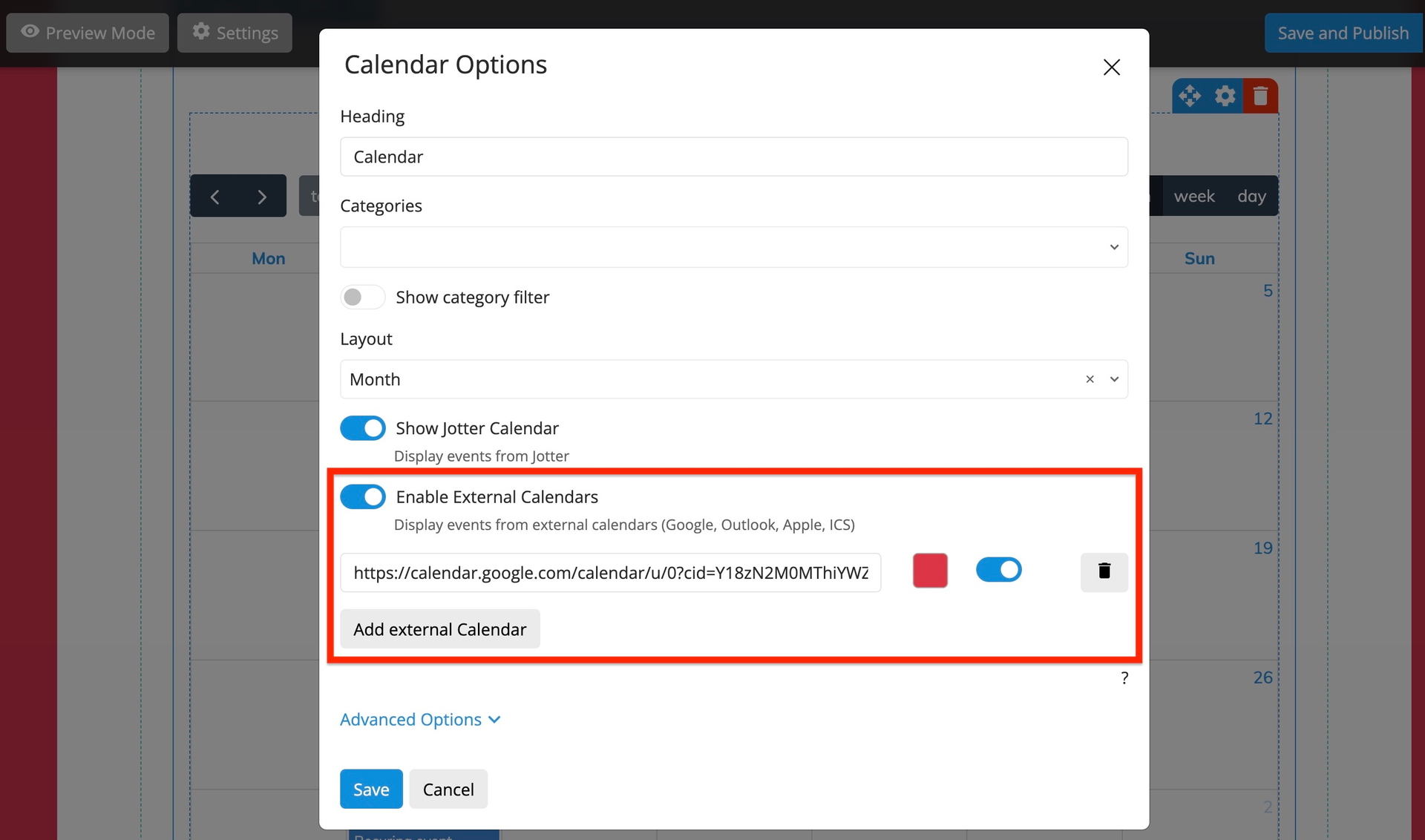
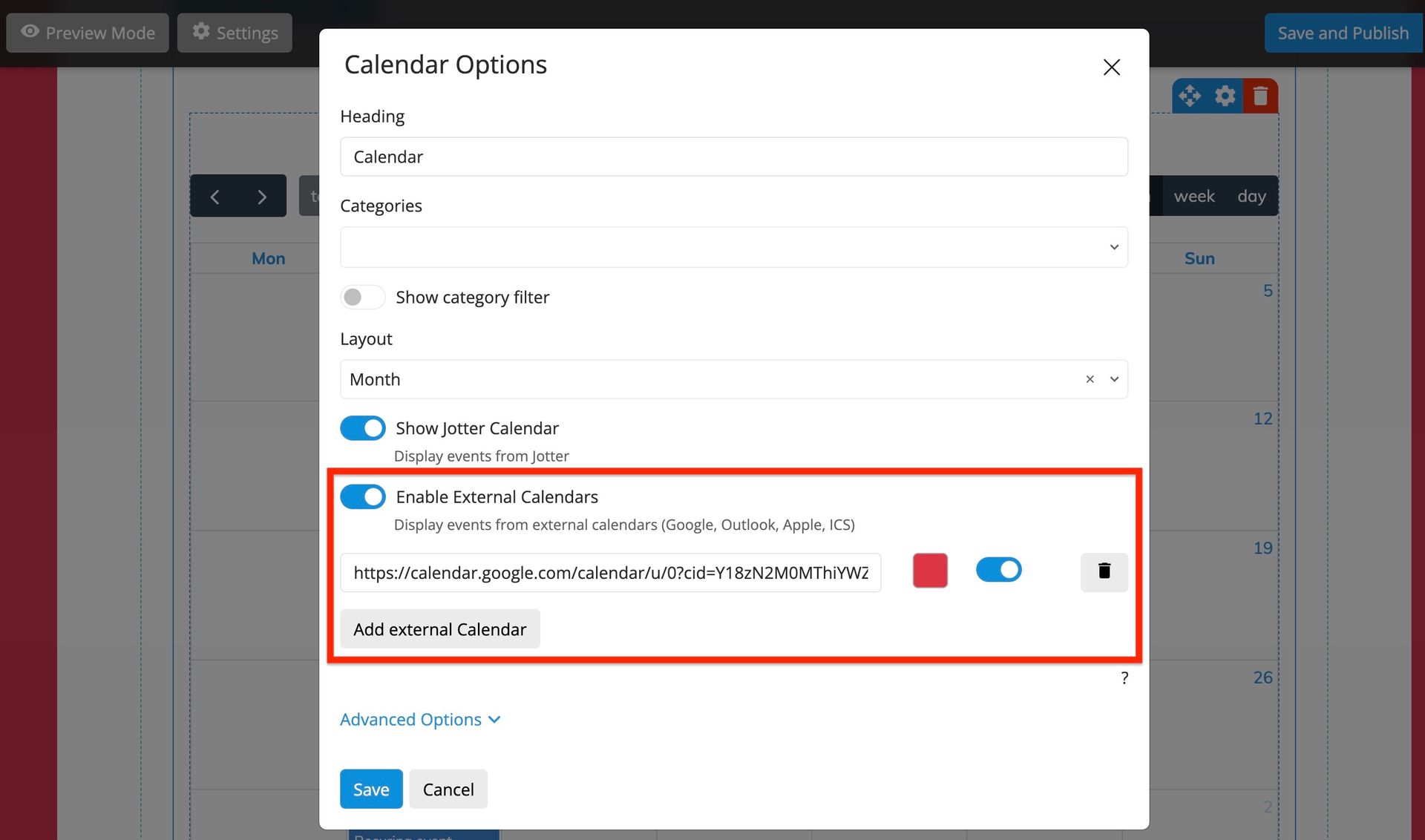
Below you will find instructions on how to add calendars from different platforms:
Google Calendar
- 1. Open Google Calendar in your browser
- 2. Click the settings gear icon next to your calendar
- 3. Select "Settings and sharing"
- 4. Scroll down to "Access permissions" section
- 5. Copy the "Public URL to this calendar" link
- 6. Paste the link in the "Calendar link" field
https://calendar.google.com/calendar/embed?src=example@gmail.comOutlook Calendar
- 1. Open Outlook Calendar in your browser
- 2. Click "Share" next to your calendar
- 3. Select "Publish calendar"
- 4. Copy the "ICS" or "Web link"
- 5. Paste the link in the "Calendar link" field
https://outlook.live.com/calendar/action/view?id=exampleApple iCloud Calendar
- 1. Open iCloud Calendar in your browser
- 2. Click "Share" next to your calendar
- 3. Select "Public calendar"
- 4. Copy the "Public calendar" link
- 5. Paste the link in the "Calendar link" field
https://p123-calendars.icloud.com/published/2/exampleICS File
- 1. Find a link to an .ics file
- 2. The link must end with .ics
- 3. Paste the link in the "Calendar link" field
- 4. Example: https://example.com/calendar.ics
https://example.com/calendar.ics
eee
eee
dee
ee

PG-GAL
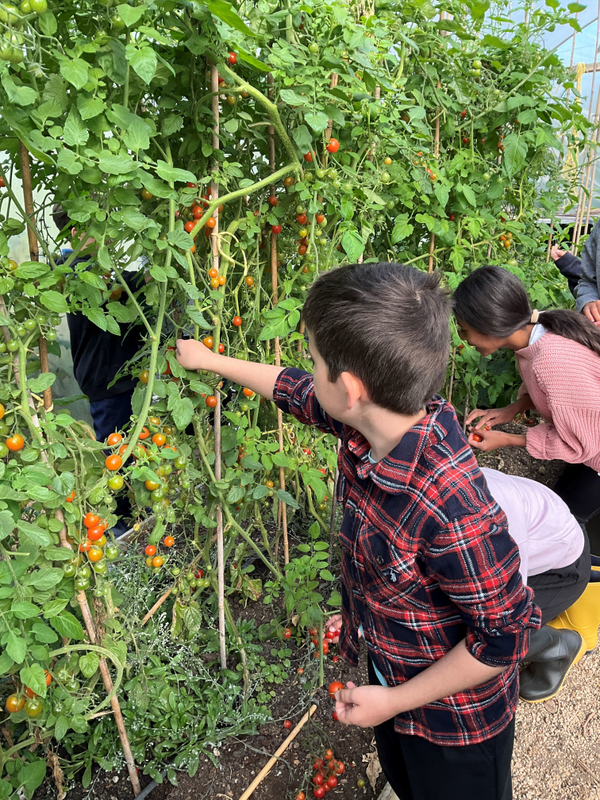
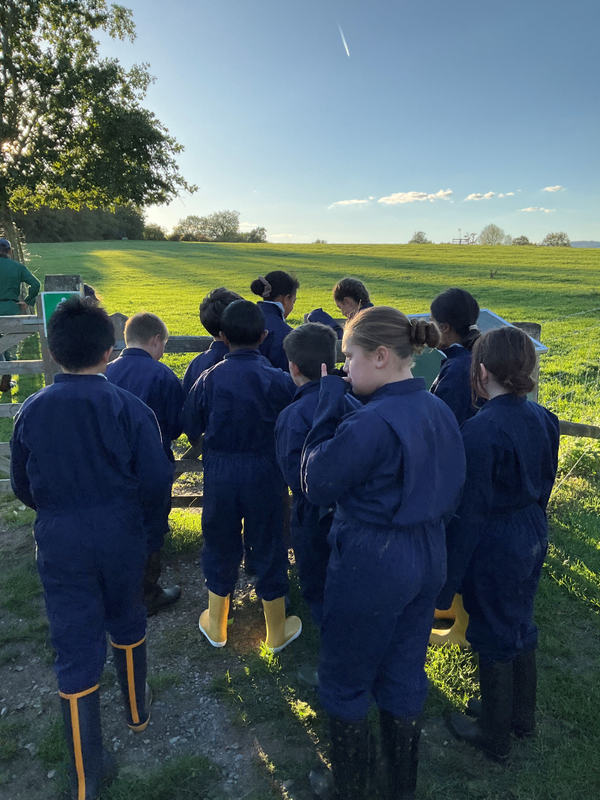
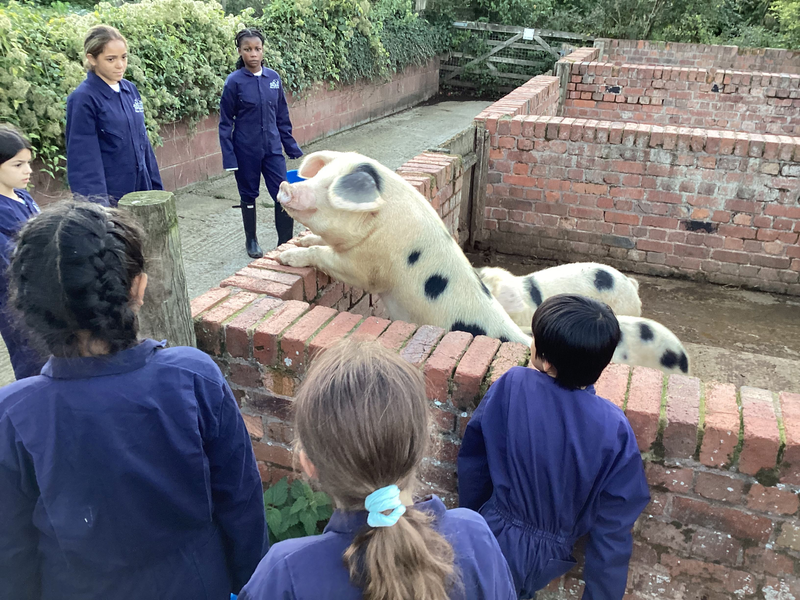
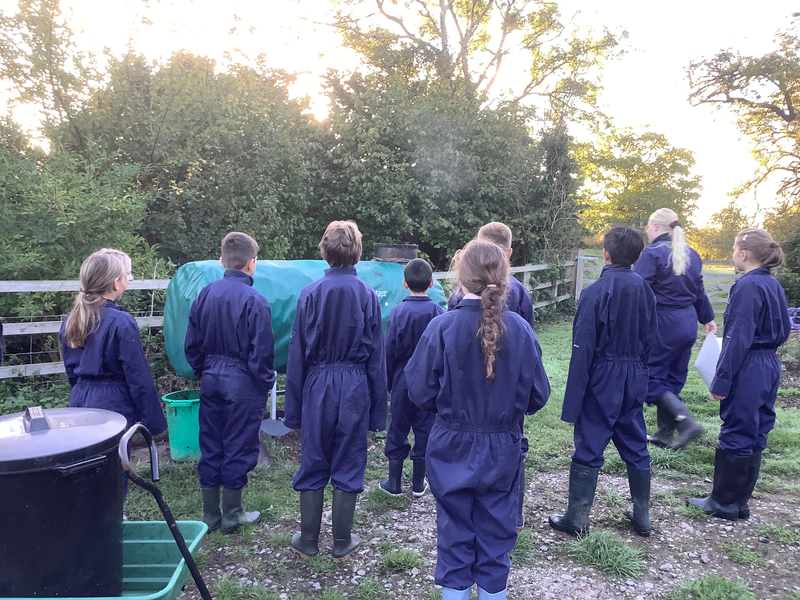
Gallery Description Welcome to our photo gallery, where we celebrate moments captured through the lens. Each image tells a unique story, showcasing a variety of themes, from breathtaking landscapes to vibrant portraits. Explore our collection to experience the world from different perspectives and immerse yourself in the beauty of visual art.

qlink 2 title
qlink 2 description

qlink 3 title
qlink 3 description

qlink 4 title
qlink 4 description

qlink 1 title
qlink 1 description
qlink 2 title
qlink 2 description
qlink 3 title
qlink 3 description
qlink 4 title
qlink 4 description
qlink 1 title
qlink 1 description
qlink 2 title
qlink 2 description
qlink 3 title
qlink 3 description






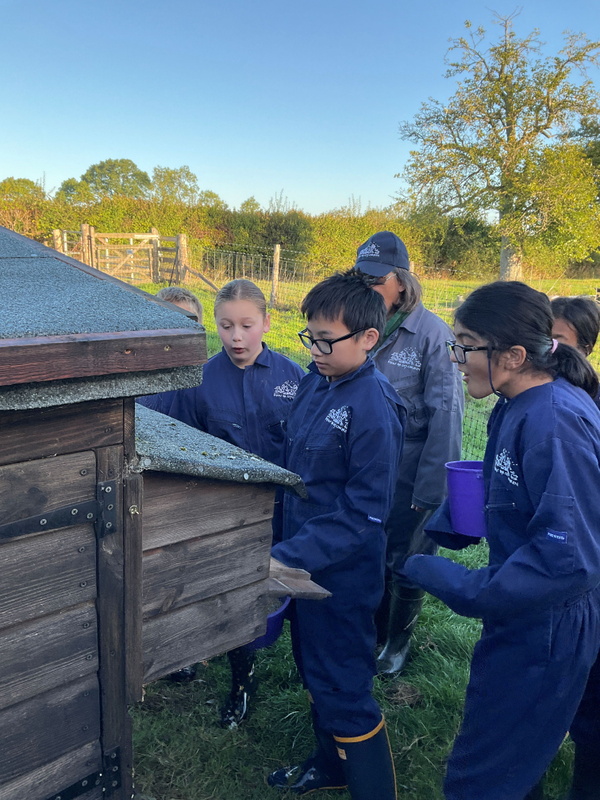
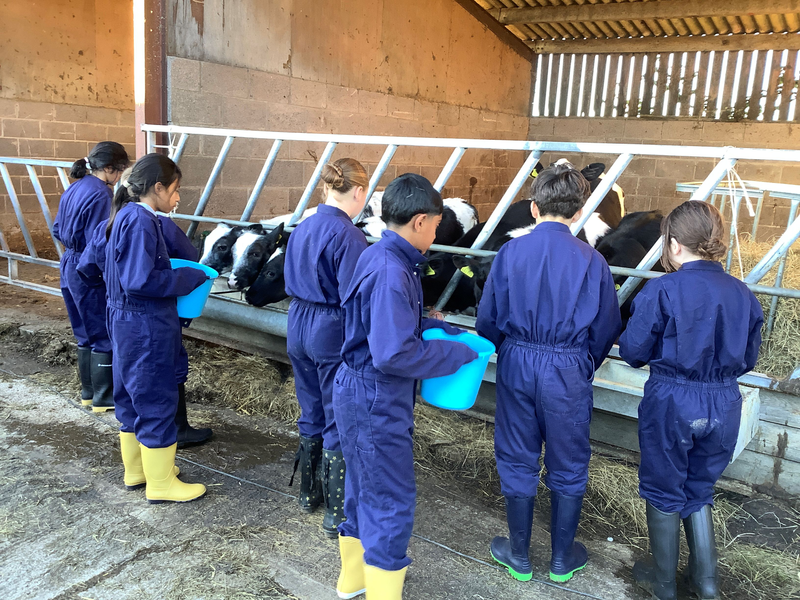
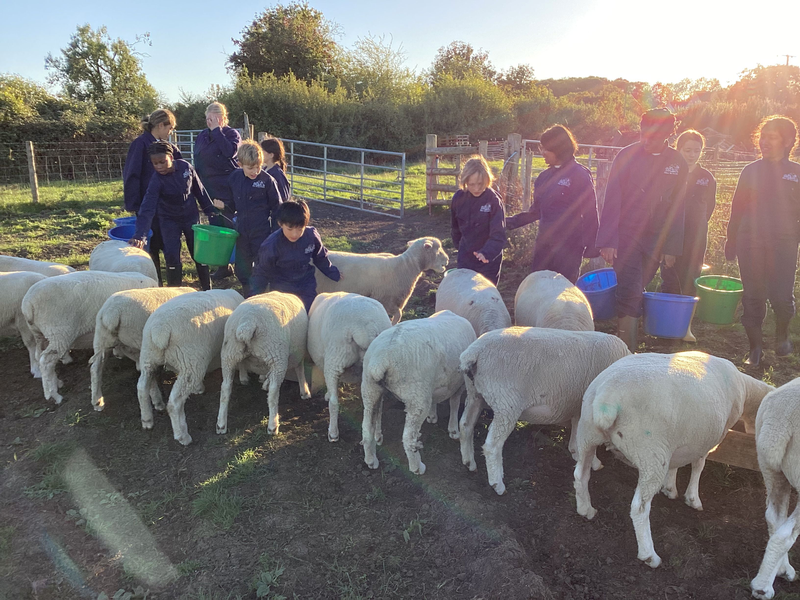
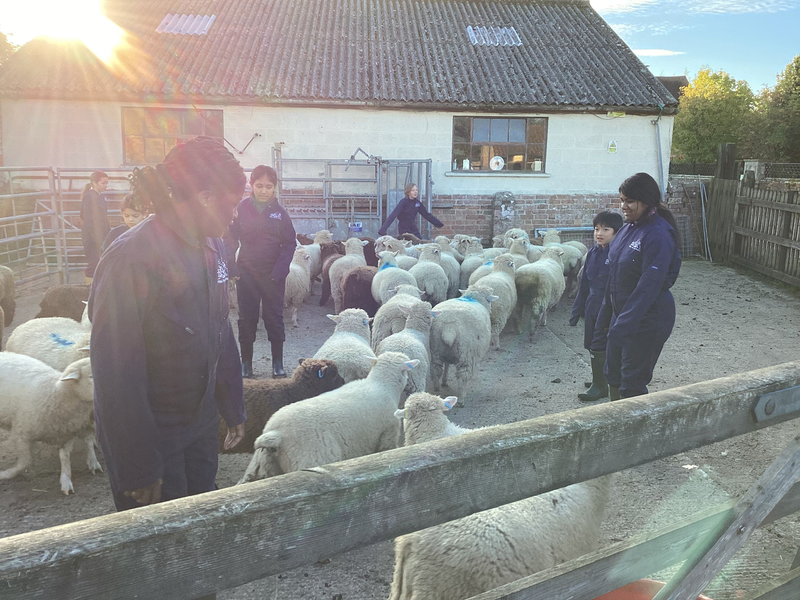

Pawels feed
No posts available
We’re proud to support schools and trusts every step of the way 💙 Thank you to Thomas Deacon Education Trust for your kind words. Building strong partnerships, staying flexible as needs evolve, providing clear and reassuring communication is at the heart of what we do. Here’s to collaboration that truly makes a difference. #SchoolJotter #EdTech #EducationPartnerships #TrustSupport #MakingADifference #WebsiteDesign #SchoolWebDesign #SchoolWebsite #MultiAcademyTrust ⭐

🎉 We’re proud to launch the new website for Alpha Preparatory School, beautifully built on our Jotter 3 platform! ✨ Designed with clarity, usability and the school’s strong ethos at its heart, the site offers easy-to-navigate sections, crisp layout and responsive performance on all devices. From essential school info to news and admissions details, parents and visitors can now explore everything they need with confidence in a fresh, modern online experience. 👨💻📱 Full credit to the team for bringing this project to life 🚀 https://www.alpha.harrow.sch.uk/ info@schooljotter.com 📧 #independentschool #websitedesign #independentwebsitedesign #education #educationwebsite #schoolwebsitedesign #schoolwebsite #Trustwebsite #MATwebsite #PrimarySchoolWebsite #primaryacademy #Preparatory

⭐️ Richard Barnes Academy – Website Design for an Alternative Provision Setting 🖥️✍️ We design websites for all school settings, including alternative provision. As part of the Thomas Deacon Education Trust, Richard Barnes Academy’s website was created with a focus on clarity, accessibility, and a consistent design across all trust schools. What School Jotter can offer: ⭐️ NO HIDDEN EXTRA CHARGES FOR FEATURES ⭐️ UK support and delivery team ⭐️ Flexible design features ⭐️ AI integration ⭐️ Ofsted detection ⭐️ Free parental app ⭐️ MAT Dashboard https://www.rjba.education/ info@schooljotter.com 📧 #secondaryschool #websitedesign #secondaryschoolwebsitedesign #education #educationwebsite #schoolwebsitedesign #schoolwebsite #Trustwebsite #MATwebsite #PrimarySchoolWebsite #primaryacademy #alternativeprovision #educationsetting



Blabla
No Events to show
Help - Adding External Calendars
Below you will find instructions on how to add calendars from different platforms:
Google Calendar
- 1. Open Google Calendar in your browser
- 2. Click the settings gear icon next to your calendar
- 3. Select "Settings and sharing"
- 4. Scroll down to "Access permissions" section
- 5. Copy the "Public URL to this calendar" link
- 6. Paste the link in the "Calendar link" field
https://calendar.google.com/calendar/embed?src=example@gmail.comOutlook Calendar
- 1. Open Outlook Calendar in your browser
- 2. Click "Share" next to your calendar
- 3. Select "Publish calendar"
- 4. Copy the "ICS" or "Web link"
- 5. Paste the link in the "Calendar link" field
https://outlook.live.com/calendar/action/view?id=exampleApple iCloud Calendar
- 1. Open iCloud Calendar in your browser
- 2. Click "Share" next to your calendar
- 3. Select "Public calendar"
- 4. Copy the "Public calendar" link
- 5. Paste the link in the "Calendar link" field
https://p123-calendars.icloud.com/published/2/exampleICS File
- 1. Find a link to an .ics file
- 2. The link must end with .ics
- 3. Paste the link in the "Calendar link" field
- 4. Example: https://example.com/calendar.ics
https://example.com/calendar.ics
Bla
aaaa
adsfasdfasdfasdf
Help - Adding External Calendars
Below you will find instructions on how to add calendars from different platforms:
Google Calendar
- 1. Open Google Calendar in your browser
- 2. Click the settings gear icon next to your calendar
- 3. Select "Settings and sharing"
- 4. Scroll down to "Access permissions" section
- 5. Copy the "Public URL to this calendar" link
- 6. Paste the link in the "Calendar link" field
https://calendar.google.com/calendar/embed?src=example@gmail.comOutlook Calendar
- 1. Open Outlook Calendar in your browser
- 2. Click "Share" next to your calendar
- 3. Select "Publish calendar"
- 4. Copy the "ICS" or "Web link"
- 5. Paste the link in the "Calendar link" field
https://outlook.live.com/calendar/action/view?id=exampleApple iCloud Calendar
- 1. Open iCloud Calendar in your browser
- 2. Click "Share" next to your calendar
- 3. Select "Public calendar"
- 4. Copy the "Public calendar" link
- 5. Paste the link in the "Calendar link" field
https://p123-calendars.icloud.com/published/2/exampleICS File
- 1. Find a link to an .ics file
- 2. The link must end with .ics
- 3. Paste the link in the "Calendar link" field
- 4. Example: https://example.com/calendar.ics
https://example.com/calendar.icsTitle 1
Caption 1
Title 2
Caption 2
Title 3
Caption 3

